


Membangun Custom WordPress Plugin: Perspektif System Design

Pendahuluan
Membangun custom WordPress plugin bukan hanya soal coding — dibutuhkan system design yang matang agar plugin maintainable, scalable, dan terintegrasi dengan baik. Artikel ini membagikan pendekatan system design dalam membangun plugin WordPress yang mengintegrasikan Notion API dengan WordPress.
Arsitektur Plugin
Plugin didesain dengan arsitektur modular yang terdiri dari beberapa layer:
1. Core Bootstrap & Foundation
Fondasi plugin yang menangani:
- Plugin lifecycle (activation, deactivation)
- Service container untuk dependency injection
- Autoloading dan namespace management
2. API Client & Utilities
Layer komunikasi dengan external service:
- API Client — HTTP client untuk komunikasi dengan Notion API
- Logger — Logging untuk debugging dan monitoring
- Encryption — Secure storage untuk API keys
- Rate Limiter — Menghindari API throttling
3. Block Converter Engine
Engine yang mengkonversi Notion block types ke WordPress Gutenberg-compatible HTML:
- Support untuk 16+ block types
- Handling nested blocks dan children
- Mention, code block, dan media handling
4. Style Adapter & Color Mapper
Menjembatani design system Notion dengan WordPress theme:
- Notion-to-CSS color mapper — Mapping warna Notion ke theme tokens
- Code syntax highlighter — Highlighting untuk code blocks
- Design token constants — Konsistensi visual
5. Sync Engine & Image Sideloader
Mesin sinkronisasi konten:
- Sync Engine — Orchestrator untuk proses sync Notion → WordPress
- Image Sideloader — Download dan hosting gambar dari Notion ke WP media library
6. REST API Controllers
13 endpoint controllers untuk:
- Trigger sync dari admin UI
- Status monitoring
- Configuration management
Diagram Arsitektur
graph TD
    NP["Notion Pages"] --> NAPI["Notion API v1"]
    NDB["Notion Databases"] --> NAPI
    NM["Notion Media"] --> NAPI
    NAPI --> AC["API Client"]
    AC --> BCE["Block Converter Engine"]
    BCE --> SA["Style Adapter"]
    SA --> SE["Sync Engine"]
    SE --> WP["WordPress Posts"]
    SE --> IS["Image Sideloader"]
    IS --> ML["WP Media Library"]
Contoh: Alur Sync Notion ke WordPress (Sequence Diagram)
Bagaimana proses sync content dari Notion ke WordPress secara end-to-end:
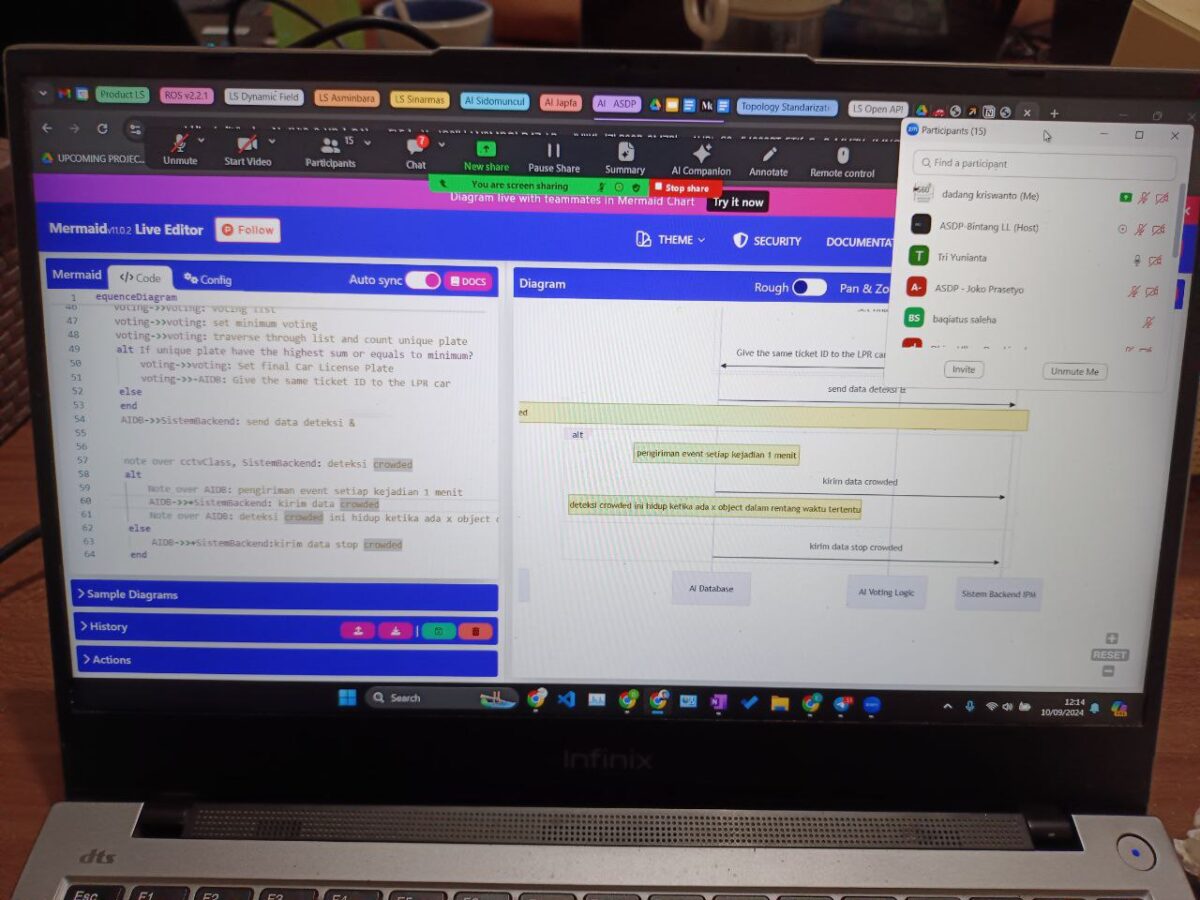
sequenceDiagram
    participant Admin as WP Admin
    participant Plugin as WP Plugin
    participant RL as Rate Limiter
    participant Notion as Notion API
    participant BCE as Block Converter
    participant SA as Style Adapter
    participant SE as Sync Engine
    participant IS as Image Sideloader
    participant WP as WordPress DB

    Admin->>Plugin: Trigger sync page
    Plugin->>RL: Check rate limit
    RL-->>Plugin: OK, proceed
    Plugin->>Notion: GET /blocks/{page_id}/children
    Notion-->>Plugin: Notion blocks JSON

    Plugin->>BCE: Convert blocks to HTML
    BCE->>BCE: Parse 16+ block types
    BCE->>SA: Apply theme styling
    SA-->>BCE: Styled HTML
    BCE-->>Plugin: Final HTML content

    Plugin->>SE: Sync to WordPress
    SE->>IS: Check for images
    IS->>Notion: Download image files
    Notion-->>IS: Image binary
    IS->>WP: Upload to Media Library
    WP-->>IS: Attachment URL
    IS-->>SE: Replace image URLs

    SE->>WP: Create/Update post
    WP-->>SE: Post ID
    SE-->>Plugin: Sync complete
    Plugin-->>Admin: Success notification
Contoh: Class Diagram Plugin Architecture
Struktur class utama dari plugin dengan penerapan SOLID principles:
classDiagram
    class PluginBootstrap {
        -ServiceContainer container
        +activate() void
        +deactivate() void
        +init() void
    }

    class NotionAPIClient {
        -string apiKey
        -RateLimiter limiter
        +getPage(pageId) Page
        +getBlocks(blockId) Block[]
        +getDatabases(dbId) Database
    }

    class BlockConverter {
        -Map converterMap
        +convert(notionBlock) string
        +registerConverter(type, fn) void
    }

    class StyleAdapter {
        -ColorMapper colorMapper
        -CodeHighlighter highlighter
        +applyStyles(html) string
        +mapNotionColor(color) string
    }

    class SyncEngine {
        -NotionAPIClient client
        -BlockConverter converter
        -StyleAdapter styler
        -ImageSideloader sideloader
        +syncPage(pageId) Result
        +syncDatabase(dbId) Result
    }

    class ImageSideloader {
        +download(url) File
        +uploadToWP(file) Attachment
        +replaceUrls(html, map) string
    }

    class RateLimiter {
        -int maxRequests
        -int windowMs
        +check() boolean
        +wait() void
    }

    PluginBootstrap --> SyncEngine
    SyncEngine --> NotionAPIClient
    SyncEngine --> BlockConverter
    SyncEngine --> StyleAdapter
    SyncEngine --> ImageSideloader
    NotionAPIClient --> RateLimiter
Pelajaran System Design
Separation of Concerns
Setiap layer punya tanggung jawab tunggal. Block Converter tidak tahu soal styling — itu urusan Style Adapter.
Defensive Programming
Rate limiter dan error handling di setiap layer mencegah cascading failures.
Theme Agnostic Design
Style Adapter membuat plugin bisa bekerja dengan theme apapun, bukan hanya satu theme spesifik.
Ditulis oleh Dadang Kriswanto — System Analyst & Blogger di dadang.kriswanto.my.id